

GST Registration & Basics
What Is GST Advantages and Disadvantages in IndiaWhat Is GST Advantages and Disadvantages in India
Written by Hatim Dudhiyawala

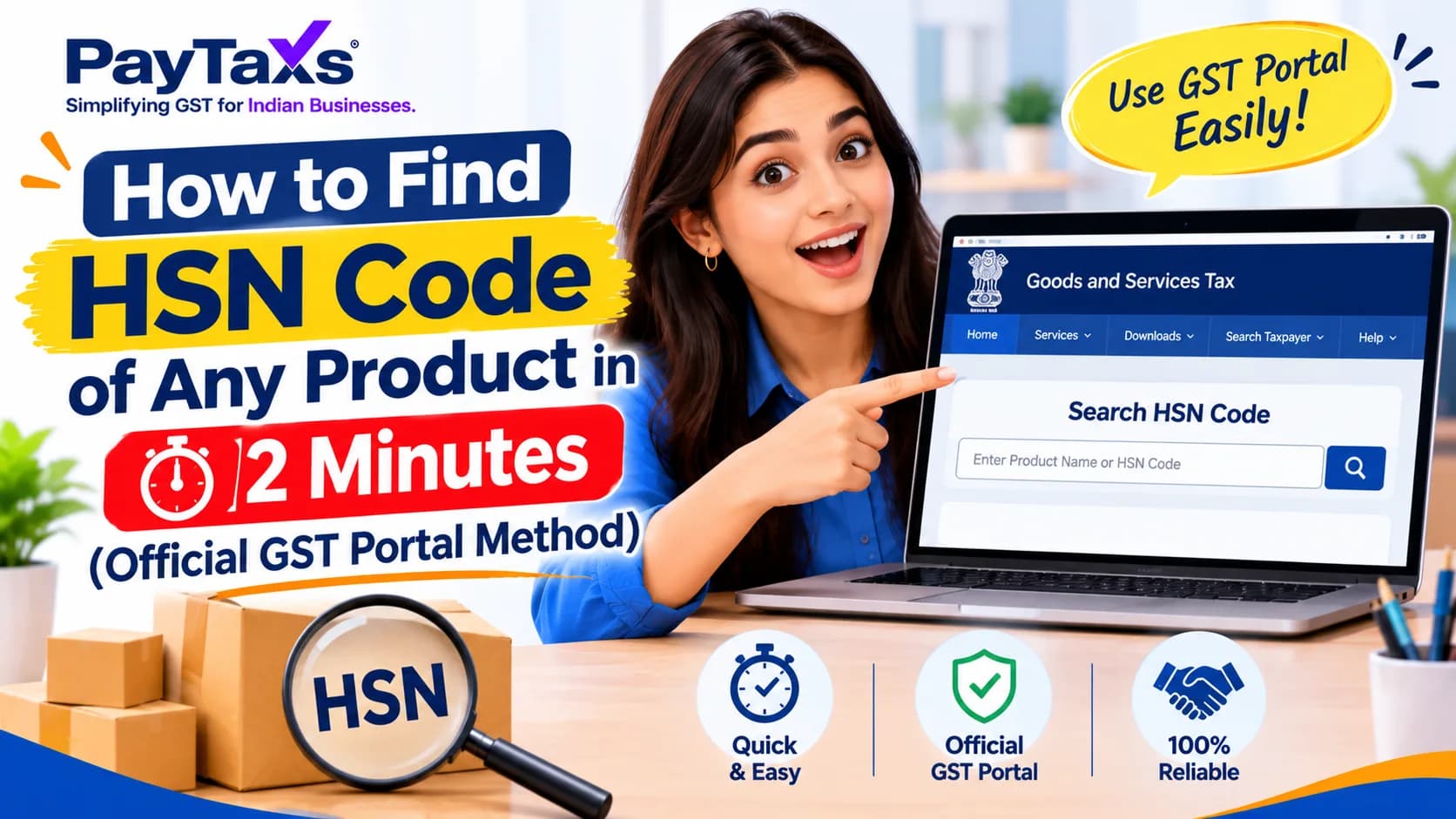
You can find the HSN code of any product on the official GST portal in about two minutes, and you do not even need to log in. Type the product name into the portal’s Search HSN Code tool, pick the closest match, and note down the code and its tax rate. This guide shows the exact steps, other ways to find an HSN code, how many digits you need on your invoice, and the mistakes that cause wrong GST rates.
Open the GST portal: go to gst.gov.in. No login is needed.
Open the search tool: click Services → User Services → Search HSN Code.
Search: type your product name or description (or a code, if you already have one).
Choose the best match: read the description carefully and note the HSN code.
Check the rate and digits: view the GST rate for that code, and use 4 digits (turnover up to ₹5 crore) or 6 digits (above ₹5 crore) on your invoice.
Can’t find your product? Raise a ticket on the GST Self Service Portal.
HSN (Harmonized System of Nomenclature) is a standard code used to classify goods under GST. It appears on your invoices and returns and helps decide the GST rate applied to a product. Services use a different code called SAC, covered later in this guide.
The GST portal has a free HSN search tool. It works before and after login, so you can use it even if you are not registered yet.
Go to www.gst.gov.in and click Services → User Services → Search HSN Code. The menu name can look slightly different after portal updates, so follow the on-screen menu if needed.
Type your product in plain words, such as “shirt”, “mobile phone” or “cement”. If you already have a partial code, you can enter that too.
Try two or three different words for the same product (for example, “garment”, “shirt”, “cotton shirt”).
Search by the material and use, not by your brand name.
Read the full description, not only the code.
Compare your product with the description of each result. Choose the code whose description fits your product best.
The portal also lets you check the tax rate for a code. Choose the tax type (IGST, CGST, SGST, or Cess) and make sure the effective date matches the date of your invoice, because rates can change over time.
The same page lets you download the HSN directory in Excel format. This is useful if you deal with many products and want to search offline.
Your supplier’s invoice: The HSN already printed there is a good starting point. Always confirm it on the portal.
CBIC customs tariff: Gives more detailed classification for specialised products and is useful for imports and exports.
Online HSN finder tools: Handy for a quick look, but their data may be outdated. Treat them as a shortcut, not the final answer.
The number of digits on your invoice depends on your turnover in the previous financial year.
|
Aggregate turnover |
HSN digits required |
|
Up to ₹5 crore |
4 digits on B2B invoices (optional on B2C) |
|
Above ₹5 crore |
6 digits on all invoices |
A few additional points:
These are minimum digits. You can use 6 or 8 digits if your tariff has them.
8 digits are required for goods you export or import.
On e-invoices, taxpayers with turnover of ₹5 crore and above must use at least 6 digits (from 15 December 2023).
Your turnover also decides your return frequency. If you are thinking about changing it, read how to change monthly to quarterly GST return.
Once you have the code, use the same Search HSN Code page to see the GST rate. Always check the rate for the date of your invoice. GST rates and rules change after Council meetings, so keep yourself updated with the 57th GST Council meeting recommendations.
|
Sno. |
HSN Code |
SAC Code |
|
Used for |
Goods (products) |
Services |
|
Example |
Cement, paint, battery |
Consulting, transport, rent |
If you sell both, your invoice may need both HSN and SAC codes.
Choosing a code by its name only. Always read the full description.
Copying a competitor’s code without checking it.
Using the wrong number of digits for your turnover.
Using an old rate for a new invoice date.
Mixing codes for similar products (for example, different types of the same item).
A wrong code can lead to a wrong GST rate, mismatches in your returns, and possible notices. Regular GST reconciliation helps you catch such mismatches early. If a return shows an error, see our guide on a GSTR-3B filing error with no tax liability.
If the portal does not show a code for your goods, you can raise a ticket on the GST Self Service Portal. For complex or unusual products, take advice from a GST professional before using any code on invoices.
To find the HSN code of any product, use the official GST portal search, read the full description, check the rate for your invoice date, and use the right number of digits for your turnover. A correct code keeps your invoices and returns clean. Need help with GST registration, HSN classification, or return filing? The team at Paytaxs can guide you.
Note: This guide is for information purposes only. The views expressed in this guide are personal and do not constitute the views of Paytaxs. Paytaxs or the author will not be responsible for any direct or indirect loss incurred by the reader for taking any decision based on the information or the contents. It is advisable to consult either a CA, CS, CPA or a professional tax expert from the Paytaxs team, as they are familiar with the current regulations and help you make accurate decisions and maintain accuracy throughout the whole process.
Shubham Jain is the Founder of SaveTaxs and has extensive experience in Indian and NRI taxation. He advises individuals, NRIs, and businesses on tax filing, tax planning, capital gains, DTAA benefits, fund repatriation, and compliance matters. He regularly writes about taxation and related financial topics. His focus is on making complex tax concepts easy to understand. Through his articles, he helps taxpayers stay informed, avoid common mistakes, and stay compliant with Indian tax laws. See Full Bio
Want to read more? Explore Blogs