


GST Codes & Classifications
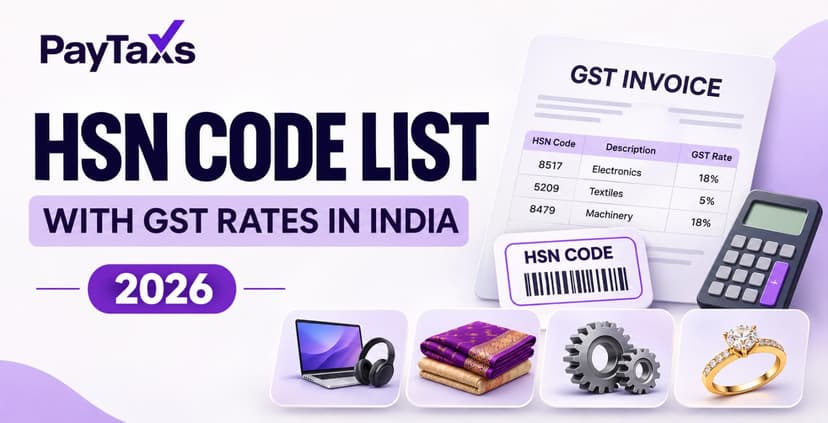
HSN Code List with GST Rate in India (2026): Complete Category-Wise GuideHSN Code List with GST Rate in India (2026): Complete Category-Wise Guide
Written by Hatim Dudhiyawala
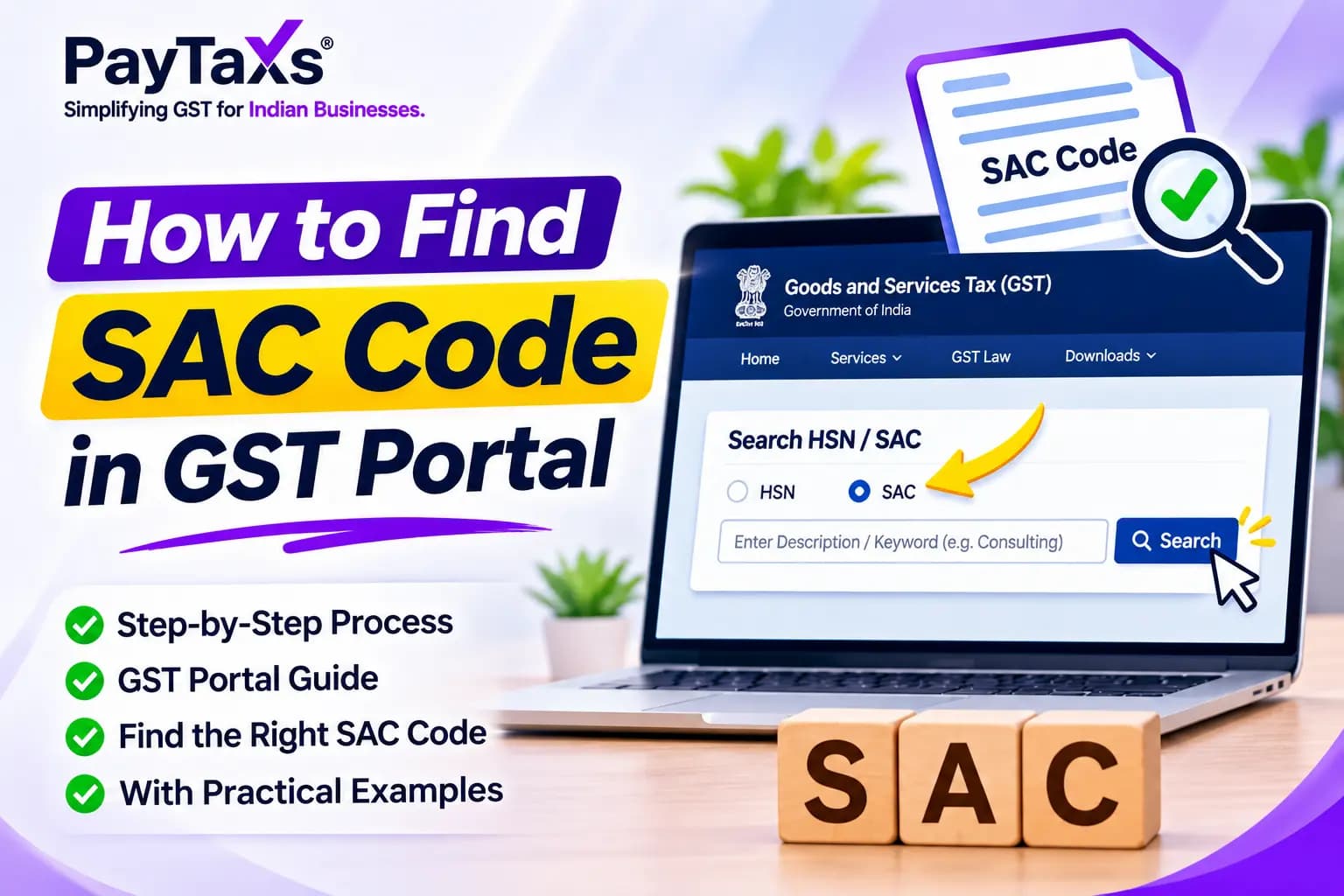
A SAC code is the six-digit code that names a service in GST. To find it, open the GST portal, go to Services, then User Services, then Search HSN/SAC Code. Tick the SAC option and type your service name. The portal shows the matching code and its linked tax rate. If you sell a service, such as consulting, repair, design, or transport, this code goes on your GST invoice. This guide covers the steps, a sample list of codes, and common mistakes people make when choosing one. It was last updated on 13 November 2026.
SAC stands for Services Accounting Code. It tells the tax system what kind of service you supplied, in the same way an HSN code tells it what kind of goods you sold. Every SAC code has six digits, and the first two are always 99. That 99 shows that the code belongs to a service.
The other four digits narrow it down step by step:
First four digits: the heading. For example, 9983 is "other professional, technical and business services".
Fifth digit: the group inside that heading. 99838 is the group for photography services.
Sixth digit: the exact service. 998381 is portrait photography, and 998383 is event photography and videography.
So two photographers can have different codes. One who clicks portraits uses 998381. One who shoots weddings and events uses 998383. The government publishes the full list as the scheme of classification of services under GST. You pick your code from that list. You do not create it yourself.
HSN is for goods and SAC is for services. That is the whole difference in one line. If you sell a physical product, you need an HSN code. If you sell work or a facility, you need an SAC code.
|
Point |
HSN code |
SAC code |
|
Used for |
Goods |
Services |
|
Starts with |
The chapter of the goods |
Always 99 |
|
Number of digits |
4, 6 or 8, depending on turnover and the goods |
6 |
|
Example |
6109 (T-shirts) |
998312 (business consulting) |
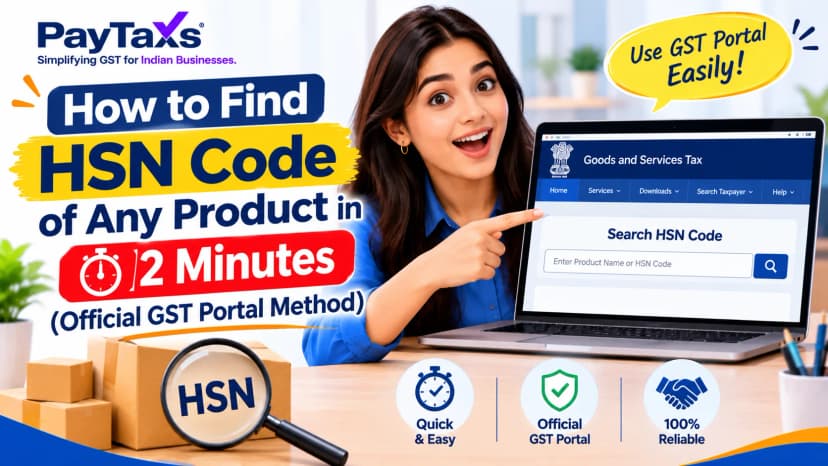
The GST portal has one search page for both codes, so you do not need to look in two places. If you sell both goods and services, you will use both kinds of codes on your invoices. Looking for an HSN code instead? How to Find HSN Code of Any Product in 2 Minutes
Read More: What Changed in GST on 1 November 2026?
You can find a SAC code on the GST portal in about a minute. The steps below follow the official GST user guide and a step-by-step walkthrough of the same page.
Open the GST portal at gst.gov.in.
Go to Services, then User Services, then Search HSN/SAC Code. On some pages, this menu is called "Search HSN Code". It is the same search page.
Tick the SAC option, not HSN.
Choose a tax type from the list. If you choose SGST, the portal also asks you to pick a State.
In the box for service name or code, type your service, such as "consulting", or a code you already have, such as "998312".
Set the effective period with the calendar. This is the date range for which you want the rate.
Click Search. The result lists the matching codes and the tax rate linked to each one.
The same page has a button to download the HSN directory in Excel. Check whether that file includes services before you rely on it for SAC codes.
No. The official user guide gives the same menu path before and after logging in, so you can search without an account. If your screen asks you to log in, log in and follow the same path.
Start with a simpler word. Search "repair" instead of "laptop repair shop". You can also search by the four-digit heading and read the list under it. For example, 9983 covers professional, technical and business services. If your work fits two codes, pick the one that describes the main part of what you sell. Ask your CA when you are not sure. The code you choose can change the GST rate on your invoice, so do not pick one by guess.
The table below shows a sample of codes from the scheme of classification of services. It is only a sample, and the full list is much longer.
|
Service |
SAC code |
What the list calls it |
|
Management consulting |
998311 |
Management consulting and management services |
|
Business consulting |
998312 |
Business consulting services, including public relations |
|
IT consulting |
998313 |
Information technology consulting and support services |
|
Software and IT design work |
998314 |
Information technology design and development services |
|
Advertising |
998361 |
Advertising services |
|
Legal advice |
998212 |
Legal advisory and representation services concerning other fields of law |
|
Accounting and bookkeeping |
998222 |
Accounting and bookkeeping services |
|
Architect |
998321 |
Architectural advisory services |
|
Event photography |
998383 |
Event photography and event videography services |
|
Road transport of goods |
996511 |
Road transport services of goods |
|
Computer repair |
998713 |
Maintenance and repair services of computers and peripheral equipment |
|
Renting a shop or office |
997212 |
Rental or leasing services involving own or leased non-residential property |
|
Building a house or flat |
995411 |
Construction services of single-dwelling, multi-dwelling, or multi-storied residential buildings |
|
Tour operator |
998555 |
Tour operator services |
|
Event organising |
998596 |
Events, exhibitions, conventions and trade shows organisation and assistance services |
A service can sometimes fit more than one code. Before you print a code on an invoice, search for it on the portal and read its full description.
Read More: How to Change Monthly to Quarterly GST Return (QRMP)
You use the SAC code in three places.
GST invoice: The code is written against each service on the tax invoice. If one invoice has two different services, each line gets its own code.
GSTR-1: Table 12 is the HSN/SAC summary of your sales. Goods and services go into the same table. A service has no quantity, so use the not-applicable option the portal gives.
E-invoice: The e-invoice has a field for the HSN or SAC code of each item.
A SAC always has six digits. The number of digits you must show on an invoice depends on your turnover. Notification 78/2020-Central Tax, dated 15 October 2020, sets this rule:
|
Your yearly turnover |
Digits on invoice |
|
Up to ₹5 crore |
4 digits on B2B invoices. Optional on B2C invoices |
|
More than ₹5 crore |
6 digits on all invoices |
Turnover here means the total for all your registrations under one PAN. Sources do not all explain how this rule applies to services. Showing all six digits is always allowed, because you may report more digits than the minimum. So the safe choice is to write the full SAC.
No. The SAC code only tells the system what kind of service you provide. The GST rate is a separate thing, fixed by government notifications. This matters because a rate can change while the code stays the same. The portal shows the rate for the effective period you pick in the search, so always set today's date before you read a rate. Do not copy a rate from an old invoice or an old article.
Read More: Do You Buy or Sell Scrap? New GST RCM, TDS & Registration Rules
Using an HSN code for a service. HSN is for goods. A service always has a SAC that starts with 99.
Copying a friend's code. Two businesses in the same line of work can still supply different services. Check your own service on the portal.
One code for every line. If an invoice has two different services, each line needs its own code.
Trusting a list from a random website. Online lists can have typing errors or wrong descriptions. Confirm the code on the GST portal before you use it.
Picking the code with the lowest rate. The code must match what you actually supply. A wrong code can lead to a notice or a tax difference to pay later.
Showing fewer digits than needed. If your turnover is above ₹5 crore, show all six digits.
The portal steps in this guide follow the official GST user guide. For the final code and the current rate, always search on the GST portal itself.
Note: This guide is for information purposes only. The views expressed in this guide are personal and do not constitute the views of Paytaxs. Paytaxs or the author will not be responsible for any direct or indirect loss incurred by the reader for taking any decision based on the information or the contents. It is advisable to consult either a CA, CS, CPA or a professional tax expert from the Paytaxs team, as they are familiar with the current regulations and help you make accurate decisions and maintain accuracy throughout the whole process.
Shubham Jain is the Founder of SaveTaxs and has extensive experience in Indian and NRI taxation. He advises individuals, NRIs, and businesses on tax filing, tax planning, capital gains, DTAA benefits, fund repatriation, and compliance matters. He regularly writes about taxation and related financial topics. His focus is on making complex tax concepts easy to understand. Through his articles, he helps taxpayers stay informed, avoid common mistakes, and stay compliant with Indian tax laws. See Full Bio
Want to read more? Explore Blogs